Surveillance and System-Record Preservation: The Evidence You Lose Before Anyone Thinks to Ask for It


Surveillance footage and system records often decide whether an investigation is grounded in facts or trapped in competing narratives.
A workplace complaint. A physical security incident. A suspected insider event. A data-access dispute. A visitor-management issue. A terminated employee who allegedly returned to the premises. A system login that occurred after credentials should have been disabled.
In many of these matters, the most important evidence is not sitting in a neatly preserved folder. It is sitting inside a camera system, access-control platform, alarm panel, SaaS admin portal, endpoint console, identity provider, email security gateway, VPN appliance, or cloud logging environment.
And in many cases, it is already counting down toward deletion.
The Problem: Surveillance and System Records Are Often Treated as Background Data
Organizations tend to think of surveillance footage and system logs as operational records. They are used to run the business, secure the facility, troubleshoot systems, and monitor activity.
That mindset changes too late.
Once a dispute, investigation, claim, or security incident arises, those same records may become evidence. The issue is that many of these systems are not designed around legal preservation. They are designed around storage limits, retention defaults, licensing tiers, overwrite cycles, and administrative convenience.
A camera system may overwrite footage after 7, 14, 30, or 60 days. An access-control system may retain detailed badge activity for only a limited period. A cloud platform may preserve audit logs for a short window unless advanced logging is enabled. A SIEM may ingest data but normalize, truncate, or age out the original event detail. A SaaS tool may retain user activity, but only at certain license levels.
By the time counsel, HR, security, or outside investigators ask for the records, the answer may be: “We no longer have them.”
That answer creates problems.
Sometimes the loss is innocent. Sometimes it is preventable. Sometimes it becomes the central issue in the case.
Surveillance Footage Is Only One Part of the Record
Video is important, but it is rarely enough by itself.
A camera clip may show a person entering a hallway, accessing a restricted area, interacting with another employee, or handling company property. But the surrounding system records often provide the context needed to explain what the footage means.
Relevant records may include:
Camera export logs showing who accessed, viewed, downloaded, or deleted footage.
Native video files, not just screen recordings or compressed clips.
Camera system metadata, including camera name, location, system time, export time, frame rate, and file format.
Access-control records showing badge swipes, denied access attempts, door-forced events, door-held-open events, and credential status.
Visitor logs, sign-in records, parking systems, elevator access, and guard-tour records.
Alarm events and panel activity.
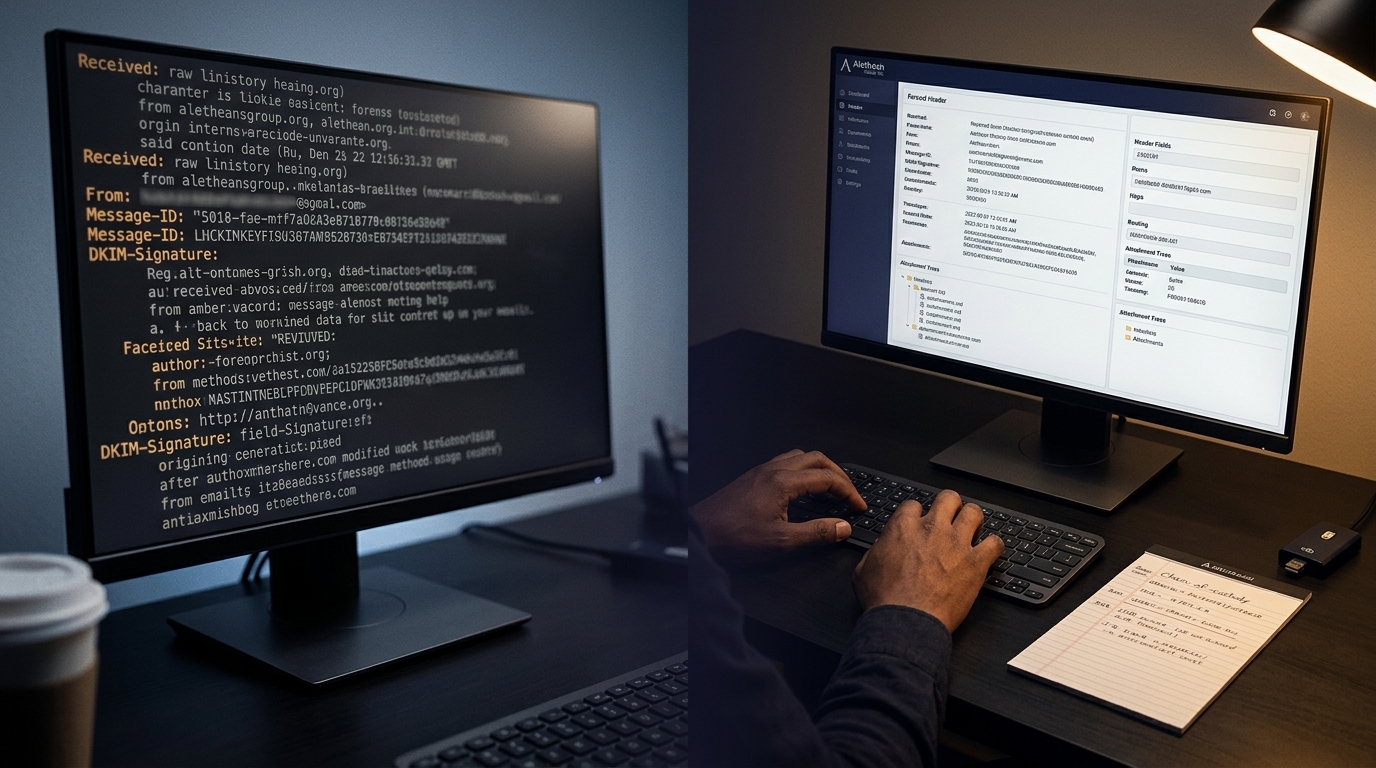
Identity-provider logs, including login activity, MFA prompts, impossible travel alerts, and account changes.
VPN, firewall, EDR, email, cloud, and SaaS audit logs.
Device records showing whether a laptop, phone, or workstation was active at the relevant time.
Admin logs showing whether a user, manager, IT employee, vendor, or security administrator changed settings after the fact.
The question is not just “what happened?” It is also “what records existed, what was preserved, what was exported, who accessed it, and what may have changed?”
That is where forensic preservation matters.
Common Preservation Failures
The same mistakes appear repeatedly in workplace, litigation, and incident-response matters.
1. Waiting too long to preserve footage
Most surveillance systems are configured to overwrite older recordings automatically. If no one issues a preservation request quickly, relevant footage may be overwritten before anyone realizes it matters.
This is especially common when the initial report seems minor. A verbal complaint, a suspicious interaction, a minor workplace altercation, a lost-device issue, or a disputed access event may not seem significant at first. Weeks later, when the matter escalates, the footage may be gone.
2. Exporting only a short clip
A short clip may be useful for quick review, but it is often inadequate for litigation or formal investigation.
The minutes before and after the event may show context. The camera angle may miss relevant activity visible from another camera. The event may involve movement between areas. A person may appear in one camera before appearing in another. A door may open before a person enters the frame. A device may be carried in or out before the visible incident.
A narrow export can unintentionally remove the context needed to interpret the event.
3. Saving a screen recording instead of the native file
Screen recordings, phone videos of monitors, or compressed exports are weak substitutes for native surveillance exports.
They may strip metadata, reduce resolution, alter frame timing, obscure timestamps, and create unnecessary authentication issues. When possible, footage should be exported in its native or highest-quality available format, with associated metadata and export logs preserved.
4. Ignoring system time issues
Surveillance systems, access-control systems, and IT logs may not share the same time source.
A camera may be off by minutes. A badge system may use local time. Cloud logs may use UTC. A firewall may log in a different timezone. A system may not have been synced to NTP. Daylight saving time may create confusion.
If time offsets are not documented early, later reconstruction becomes harder. In some matters, the difference between 9:58 p.m. and 10:03 p.m. matters.
5. Preserving video but not the audit trail
Footage may answer part of the question. Audit trails answer another.
Who searched the camera system? Who exported the clip? Was the clip downloaded before or after a complaint? Were cameras renamed, disabled, moved, or reconfigured? Were retention settings changed? Did someone with administrative access delete recordings?
Without the system audit logs, the organization may not be able to prove how the evidence was handled.
6. Assuming IT logs will be available later
Security, identity, endpoint, email, and cloud systems often have limited default retention. Some platforms require premium licensing for extended audit logs. Some records are available only through APIs. Some logs must be enabled before the incident. Some are overwritten, summarized, or dropped after a short period.
The preservation window may be much shorter than the legal deadline.
Why This Matters in Workplace Investigations
For HR and employee-relations teams, surveillance and system records can be highly probative but also sensitive.
Preservation should be targeted. The goal is not to collect everything about everyone. The goal is to identify and preserve records tied to the incident, the relevant timeframe, the involved individuals, and the systems likely to contain responsive evidence.
That distinction matters. Overcollection can create privacy, labor, proportionality, and employee-trust issues. Undercollection can create evidentiary gaps.
A practical preservation process should answer:
What event triggered the need to preserve?
What locations, systems, users, devices, and accounts are involved?
What time period is relevant?
What systems may overwrite or purge data automatically?
Who has authority to preserve records from each system?
What records can be exported without altering the source?
What audit logs show the preservation steps taken?
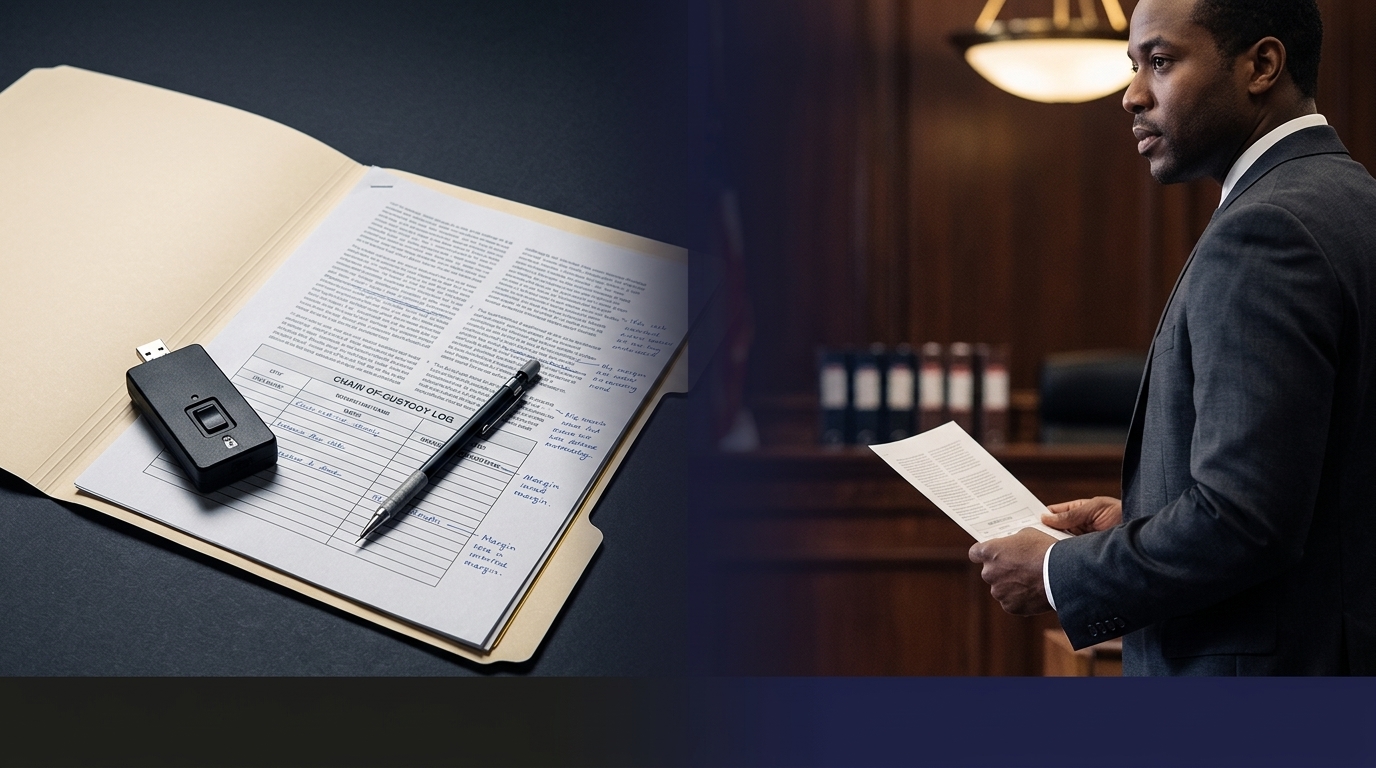
Who will maintain chain of custody?
What should not be collected because it is unrelated, excessive, privileged, or outside the authorized scope?
Preservation is not just a technical task. It is a scoping exercise.
Why This Matters in Litigation
Litigation counsel often sees the issue after the operational team has already taken informal steps.
Someone pulled a clip. Someone emailed a video file. Someone downloaded a CSV. Someone reviewed access logs. Someone took screenshots. Someone changed a retention setting. Someone asked a vendor to “send whatever they have.”
Those actions may be reasonable, but they also create questions:
Was the export complete?
Was the original source preserved?
Was metadata maintained?
Was the file altered by the export process?
Were other responsive records overwritten?
Was the relevant time period too narrow?
Were related systems ignored?
Can the organization explain how the record was created and maintained?
Can a witness authenticate the record?
Can a forensic expert explain the limitations?
The earlier those questions are addressed, the stronger the evidentiary position.
Why This Matters in Incident Response
In cyber and insider-threat matters, system records often age out quickly.
A user account may show suspicious access. A terminated employee may still have valid credentials. A vendor account may be compromised. A mailbox rule may forward email externally. A VPN login may originate from an unexpected location. A file-sharing platform may show downloads shortly before resignation. An endpoint alert may identify execution activity, but not retain the underlying telemetry forever.
Incident-response teams need to preserve records before containment activity destroys context.
That does not mean delaying containment. It means collecting intelligently while the environment is still capable of showing what happened.
Preservation targets may include:
Identity-provider logs.
MFA activity.
VPN logs.
Endpoint telemetry.
EDR alerts and raw event records.
Firewall and proxy logs.
Email audit logs.
Cloud storage access logs.
SaaS administrator activity.
Data-loss-prevention alerts.
File access and sharing history.
Ticketing-system records.
Device inventory and asset-management records.
HRIS records tied to employment status, role changes, and termination dates.
When these records are preserved in a defensible manner, they can support both technical findings and later legal strategy.
Practical Preservation Steps
When surveillance or system records may matter, organizations should move quickly but not recklessly.
1. Identify the systems
Start by mapping the sources most likely to contain relevant evidence. For physical incidents, that may include cameras, badge systems, visitor logs, alarms, parking, elevator controls, and guard logs. For account or data-access issues, it may include identity, email, endpoint, VPN, cloud, SaaS, and file-sharing systems.
2. Determine retention windows
Do not assume records are retained for months. Confirm the actual retention period for each system. Identify whether older records are overwritten, archived, summarized, or deleted.
3. Preserve the relevant window with reasonable padding
The relevant period should include enough time before and after the event to provide context. For video, that may mean preserving multiple camera angles and broader time ranges. For system logs, that may mean preserving activity before the event, during the event, and after any response or remediation.
4. Export in the best available format
Native or system-generated exports are generally preferable to screenshots, screen recordings, or informal copies. Preserve metadata, export logs, hash values where appropriate, and documentation showing how the export was created.
5. Preserve audit logs
Do not focus only on the user activity. Preserve administrative activity as well. Audit logs may show system access, searches, exports, deletions, configuration changes, retention changes, account changes, and permission changes.
6. Document chain of custody
Track who collected the records, when they were collected, from what system, using what method, where they were stored, and whether the files were hashed or otherwise validated.
7. Avoid changing the source system unnecessarily
Some systems record administrative activity every time a user searches, exports, renames, deletes, changes retention, or modifies settings. Those actions may be visible later. Preservation should be deliberate and documented.
8. Coordinate legal, HR, security, and IT
Preservation often fails because ownership is fragmented. HR may own the investigation. Security may own the cameras. IT may own identity and logs. Legal may own the hold. A vendor may administer the platform. Someone needs to coordinate the full evidence picture.
The Role of a Forensic Consultant
A forensic consultant can help define what should be preserved, how to preserve it, and what limitations may exist in the resulting records.
That work may include:
Identifying relevant data sources.
Advising on preservation scope.
Coordinating with internal IT, security, HR, legal, and vendors.
Preserving native files and metadata.
Hashing and documenting exported records.
Reviewing system settings and retention policies.
Analyzing audit logs and access history.
Comparing surveillance footage against badge, device, network, and account activity.
Preparing findings for counsel, HR, insurers, or incident-response partners.
Explaining what the records show, what they do not show, and what cannot be concluded without additional data.
The value is not just technical collection. It is defensibility.
A Simple Rule: Preserve Before You Interpret
Organizations often want to know what happened immediately. That is understandable. But reviewing evidence is not the same as preserving evidence.
Before a team reaches conclusions, it should make sure the underlying records are secured. Otherwise, the investigation may rely on partial clips, stale screenshots, incomplete logs, or recollections of what someone saw in a system that later overwrote the original data.
A cleaner sequence is:
Identify the potential evidence sources.
Preserve the relevant records.
Document the collection method.
Review and analyze the records.
Correlate video, access, device, account, and system activity.
Report findings with limitations clearly stated.
That sequence reduces avoidable risk.
Final Takeaway
Surveillance and system records are often the quiet evidence in an investigation. They may not be the first thing a witness mentions, but they can become the records that confirm, contradict, or clarify the story.
The problem is that many of these records disappear quickly.
When a workplace issue, physical security event, insider concern, cyber incident, or litigation hold arises, organizations should not wait to think about preservation. The right time to identify, export, and document surveillance and system records is before the retention clock runs out.
Alethean Group assists counsel, HR teams, investigators, security teams, and incident-response partners with targeted preservation, forensic collection, system-record analysis, and defensible documentation before critical records are lost.

Comments